
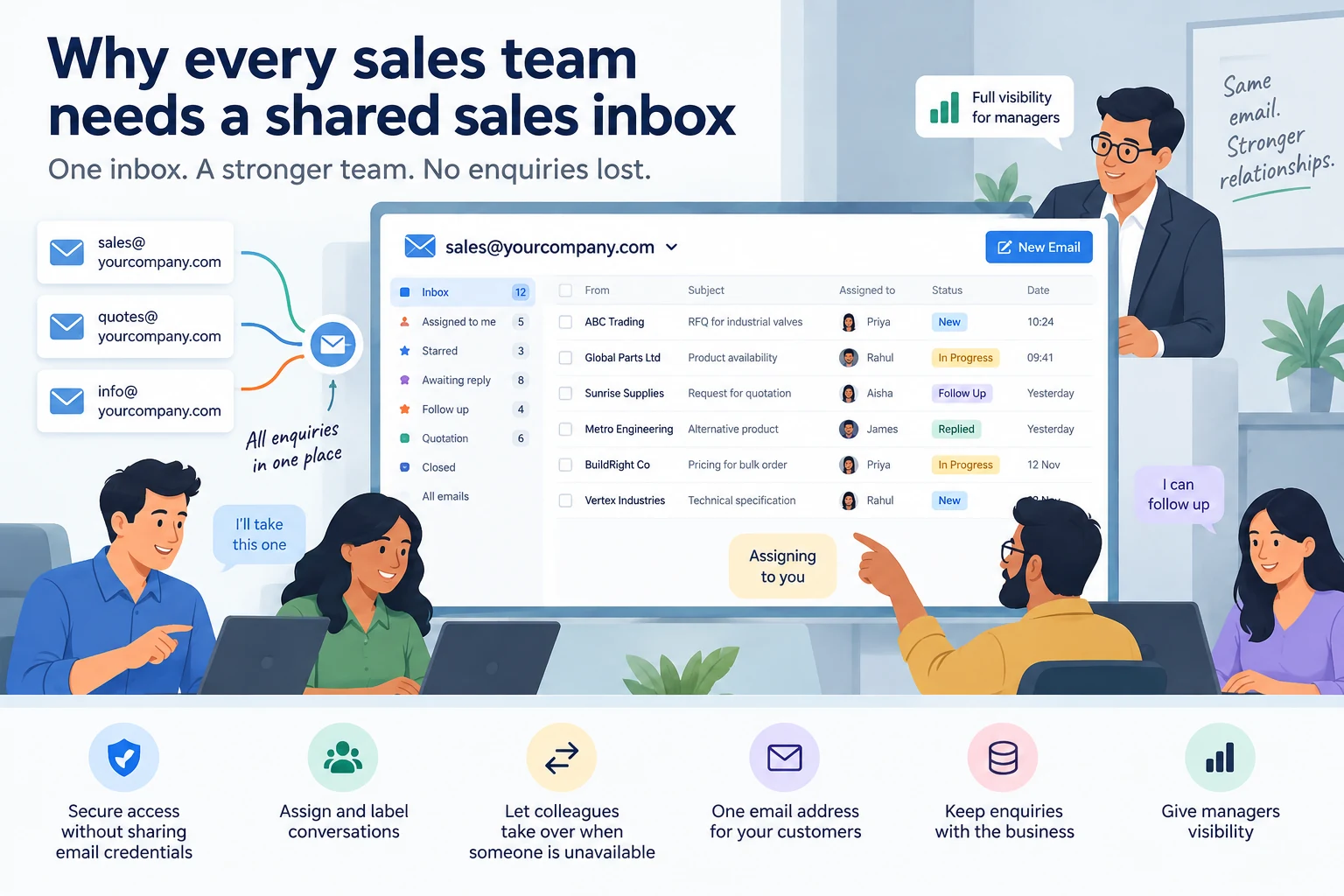
Sales enquiries often come through addresses like sales@, quotes@ or info@.
But in many companies, those inboxes are still managed like personal email accounts. One person checks them, forwards messages manually and keeps track of who is handling what.
That works until the volume grows, someone is absent or an employee leaves.
1. Give access without sharing email credentials
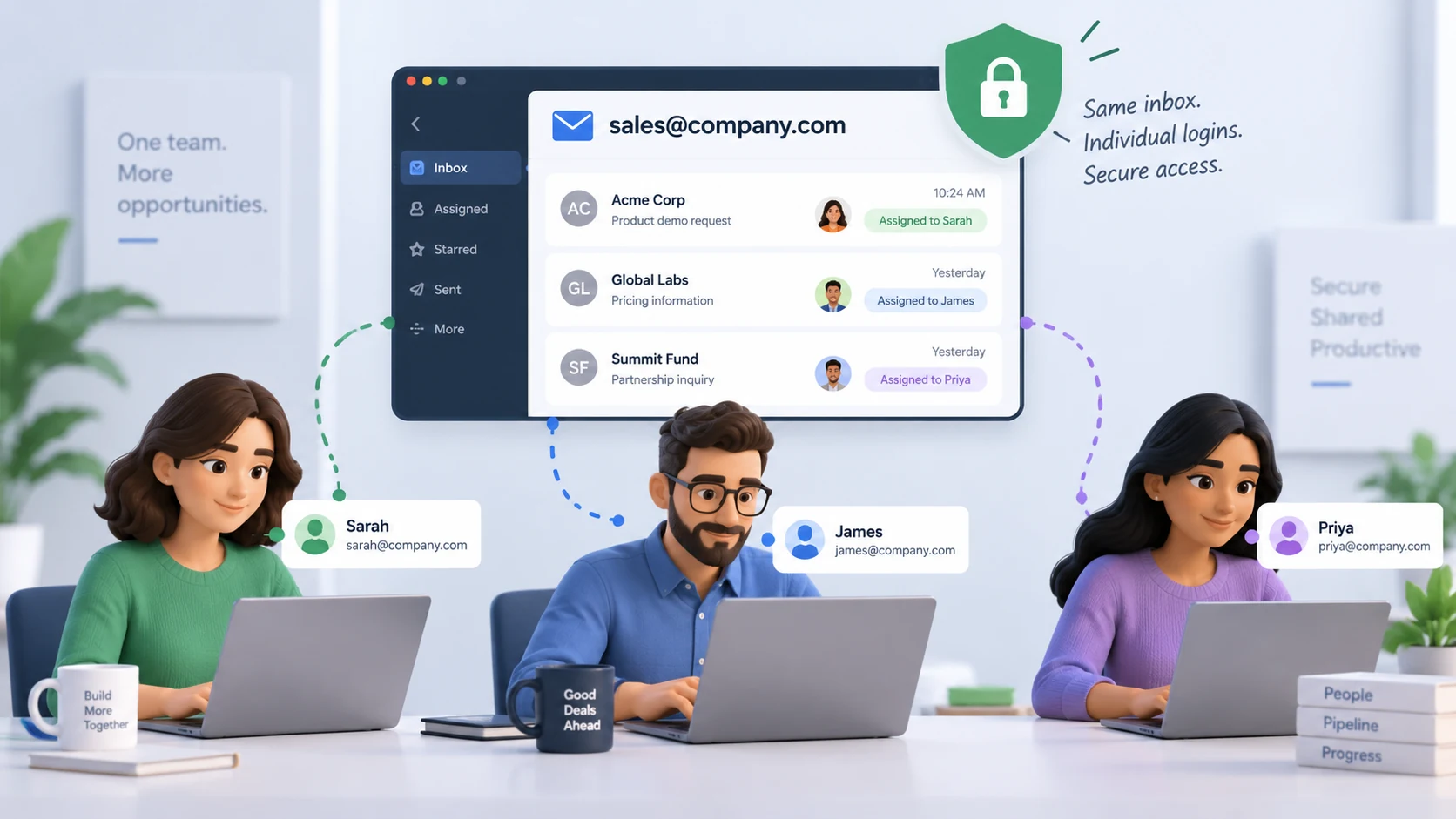
A shared inbox should let team members handle customer emails without giving everyone the actual mailbox password.
Each salesperson can work from their own login while still being able to:
- read assigned conversations
- reply from the company email address
- add notes or labels
- see the relevant conversation history
This is cleaner and safer than sharing one common username and password across the entire sales team.
2. Assign every conversation to the right person
One of the biggest problems with a common inbox is uncertainty.
If everyone can see the same emails but nobody knows who owns them, two things happen:
- multiple people reply to the same customer
- everyone assumes somebody else will reply
Assignment fixes that.
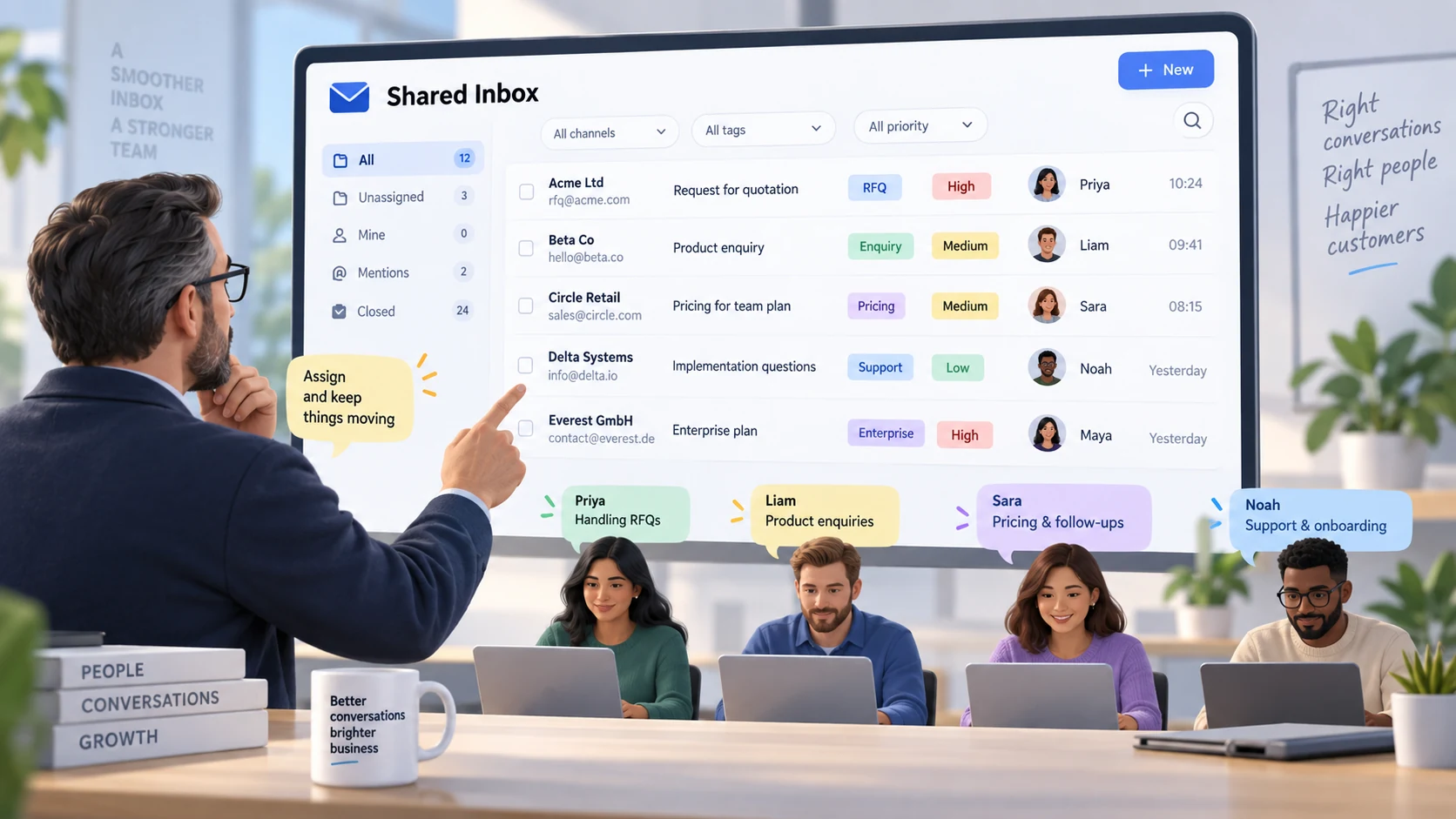
A senior salesperson or manager can review incoming conversations and assign each one to the appropriate team member.
Labels can then make the inbox easier to filter by:
- salesperson
- status
- priority
- enquiry type
- follow-up required
- quotation stage
The inbox stops being a long list of emails and becomes something the team can actually manage.
3. Let colleagues take over when someone is unavailable
Customer communication should not stop because one employee is on leave, travelling or unavailable.
With a shared inbox, another team member can pick up the conversation and continue from the same history.
They can see:
- what the customer asked
- previous replies
- attachments
- earlier quotations
- what still needs to be done
The customer does not have to start again or wait for one specific person to return.
4. Keep one email address in front of the customer
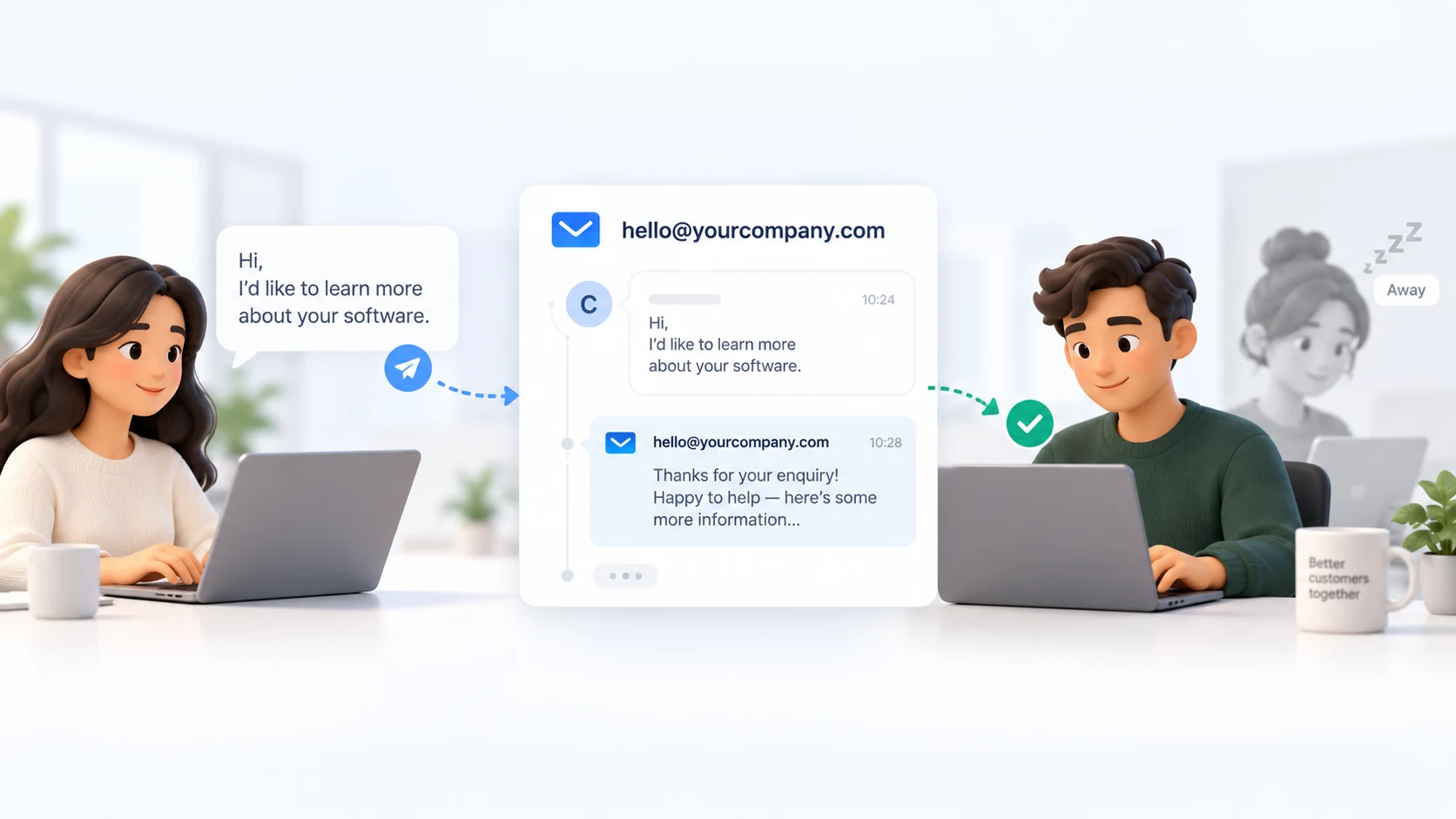
Internally, several people may work on the same account.
The customer should not have to know that.
They should not need to save:
- one email for Salesperson A
- another for Salesperson B
- another address when somebody leaves
- separate contacts for every internal change
For the customer, there should simply be one reliable company email address.
Who handles the conversation behind that address is your internal workflow.
5. Keep customer enquiries with the business
When customers communicate directly with individual employee email addresses, an important enquiry can disappear when that mailbox is closed.
A customer may continue writing to the same employee even after they have left the company.
The business may never see that message.
With a shared company inbox, the communication channel stays active regardless of who joins, leaves or changes roles.
That protects future enquiries as well as existing customer relationships.
6. Give managers visibility without taking over every conversation
A shared inbox also gives senior team members something personal inboxes do not: visibility.
They can see:
- which enquiries are waiting
- who is handling each conversation
- where responses are delayed
- which leads need reassignment
- whether important customers are being followed up
They do not need to reply to everything themselves.
They simply have enough visibility to keep the sales process moving.
The real benefit: continuity
A shared sales inbox is not just about making email easier to manage.
The relationship stays with the company instead of becoming dependent on one employee's inbox.
STIMA allows a company mailbox to be shared across the sales team without handing out the mailbox credentials to everyone.
Emails can be assigned, labelled and transferred between team members while customers continue using the same company email address.
And because those conversations can stay connected with RFQs and quotation history, the next salesperson does not just inherit an email thread — they inherit the context behind the customer relationship.